Built for Shopify merchants

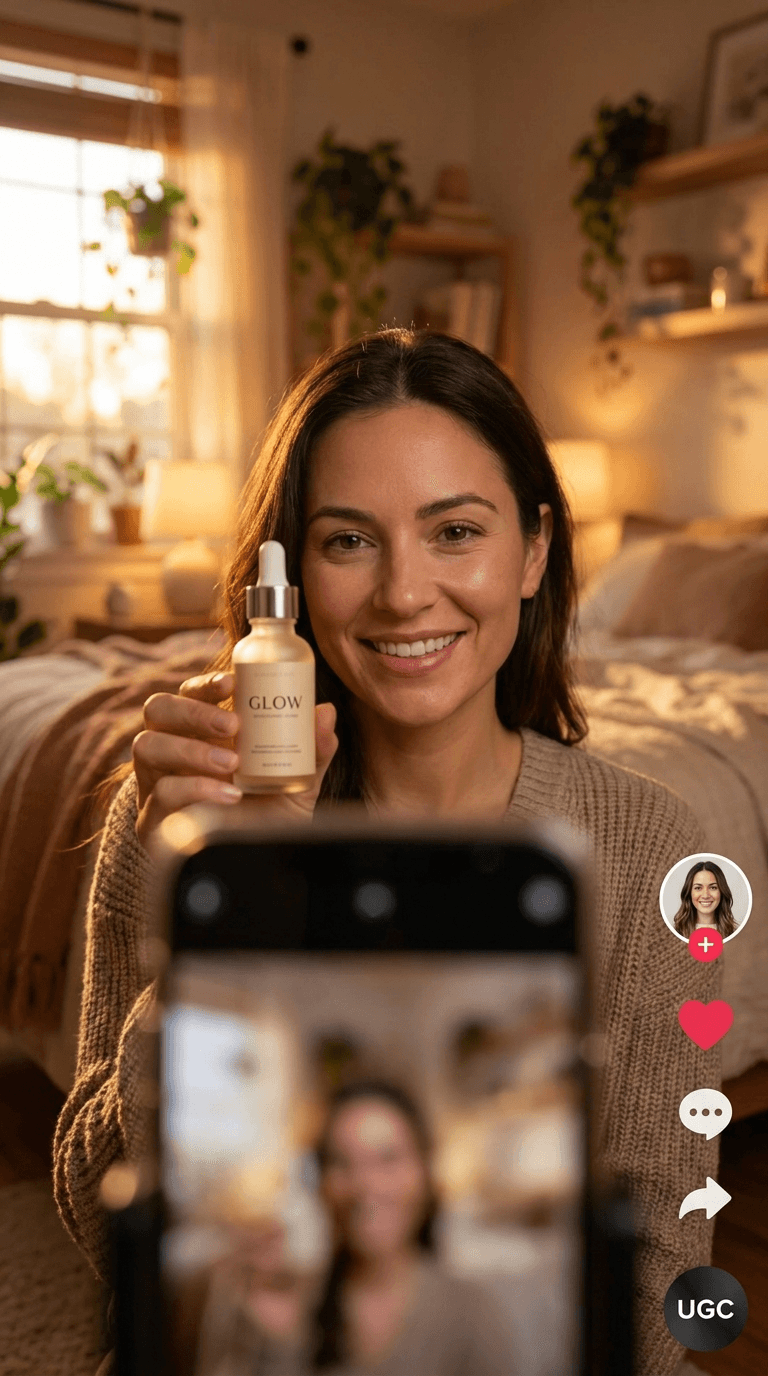
One product photo in. An AI photoshoot and UGC video out.

Upload a photo from your Shopify listing along with your brand kit, colors, fonts, tone, restrictions. Shipcut runs an AI photoshoot to generate on-brand product photos, plus short-form AI UGC video ads, from that one photo. Review everything in the Approval Inbox, or set the products you trust to auto-approve, then publish to Instagram, TikTok, and YouTube on your own schedule.

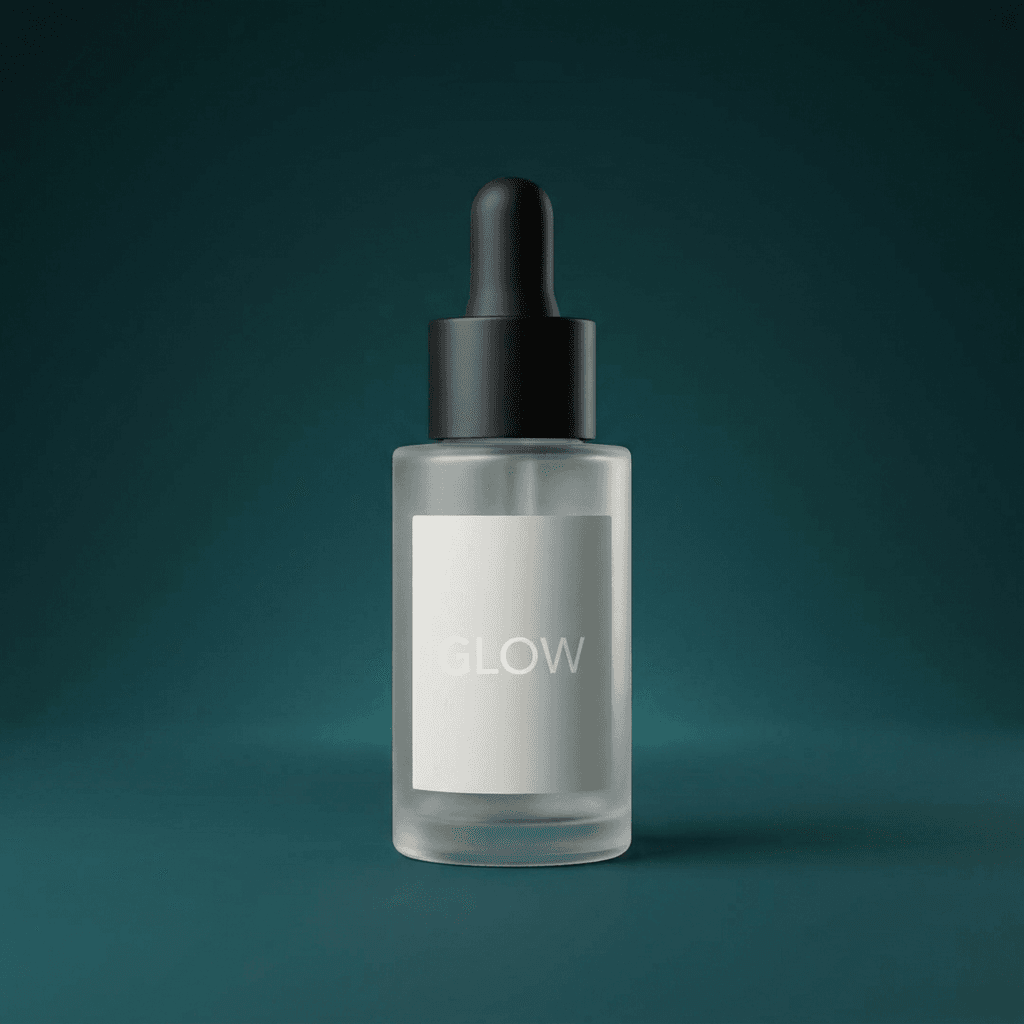
Source product photo
product.jpg
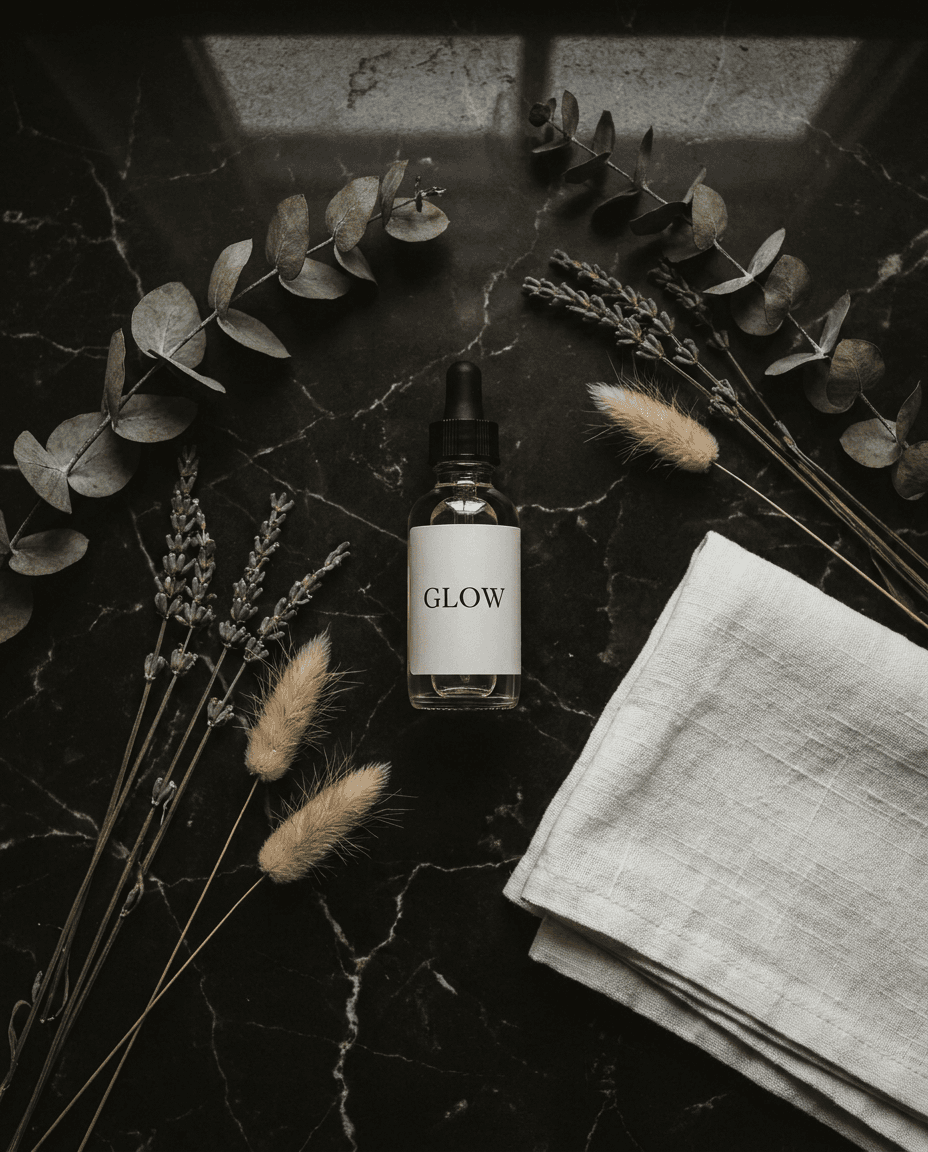
Generated Shopify product carousel slide
carousel · 4:5
Generated Shopify video ad frame
video · 9:16
illustrative generated-product example; not a merchant result
Built for how small Shopify stores actually run

No photographer on staff, no creative team. That's the point.

Skip the photoshoot budget

Booking a photographer for a product photoshoot, or a freelancer or UGC creator per product, adds up fast, especially across more than a handful of SKUs. Shipcut runs its own AI photoshoot from a photo you likely already have.

Skipping content isn't a real option either

Instagram, TikTok, and YouTube all reward consistent posting, and product pages alone don't drive that. Shipcut is built to keep a schedule running without you producing every piece by hand.

How it works

Three steps between a product photo and a publishing schedule

01

Upload a product photo

One photo from your Shopify listing, plus your brand kit: colors, fonts, tone, restrictions. Shipcut runs an AI photoshoot on that photo to generate your first set of on-brand photos and video.

02

Review in the Approval Inbox

Every generated carousel and video set waits for your sign-off, full-size, one keystroke per decision, unless you've set that product to auto-approve.

03

It publishes on your schedule

Approved content goes out to Instagram, TikTok, and YouTube automatically, on the schedule you set, whether that's daily or a few times a week.

Approval, your way

One dial, not one setting

Running one Shopify store

Set your products to auto-approve once you trust the output, and Shipcut keeps a posting schedule running without you touching it day to day. No inbox to manage if you don't want one.

Managing multiple Shopify stores or client brands

Keep manual approval on the store where an off-brand post is a real cost, and auto-approve the lower-stakes ones, all from the same workspace, switched per product, not set once for everything.

Pricing

Shopify-friendly pricing, no seat minimums

Starter

$19/mo
  • ~100 product photos or ~8 short videos/mo, any mix
  • Instagram, TikTok, YouTube
  • Manual or auto-approve, per product
  • Unused credits roll over, capped at 2x your monthly plan — on every tier, including Starter. We don't make you burn it or lose it.
Start free

Agency

$249/mo
  • ~1,500 product photos or ~120 short videos/mo, any mix
  • Everything in Pro, plus
  • Unlimited products and brands
  • Priority render queue + support
Get started
Questions

AI product content for Shopify: FAQ

Does Shipcut connect directly to my Shopify product catalog?

Not yet as an automatic sync. You upload the product photo directly, most merchants already have this from their store listing, and everything else works the same regardless of platform: on-brand carousel and video generation, the Approval Inbox, and scheduled publishing to Instagram, TikTok, and YouTube. If a direct Shopify catalog connection would matter to you, that's useful for us to know; there's no dedicated Shopify App Store listing yet either.

Is Shipcut an AI product image builder for Shopify stores?

Yes. Upload one product photo and Shipcut runs an AI photoshoot on it, generating a set of on-brand product photos in your store's colors, tone, and style, alongside short-form AI UGC video. It's built for both product photos and video, not photos-only the way some AI product image builders are.

What's the difference between an AI photoshoot and traditional product photography?

A traditional photoshoot means booking a photographer, a studio or location, and usually a model, then waiting on edits. An AI photoshoot with Shipcut works from one photo you already have: upload it with your brand kit and Shipcut generates a full set of on-brand product photos and video from it, no studio time, no separate shoot per product.

How much does AI product video cost for a small Shopify store?

Shipcut's Starter plan is $19/mo for roughly 100 product photos or 8 short videos across all three platforms; Pro is $49/mo for roughly 250 photos or 20 short videos, HD or standard at the same price. See the pricing section below for current details.

Do I have to approve every piece of content before it posts?

No, that's a per-product choice, not a platform-wide setting. Keep manual approval on products where a bad post is a real cost, and switch products you trust to auto-approve so they publish on schedule without you touching them.

What if I also sell on TikTok Shop or another platform, not just Shopify?

Shipcut isn't Shopify-exclusive. The same product photo, brand kit, and approval workflow work whether your store lives on Shopify, TikTok Shop, Amazon, BigCommerce, or WooCommerce.
Your next batch of Shopify content starts with one photo.

Free to start. First generated set in minutes. Review it yourself, or set trusted products to auto-approve.

Start free